




WordPress Web Design vs DIY Website Builders: Which is Right for You?
Introduction
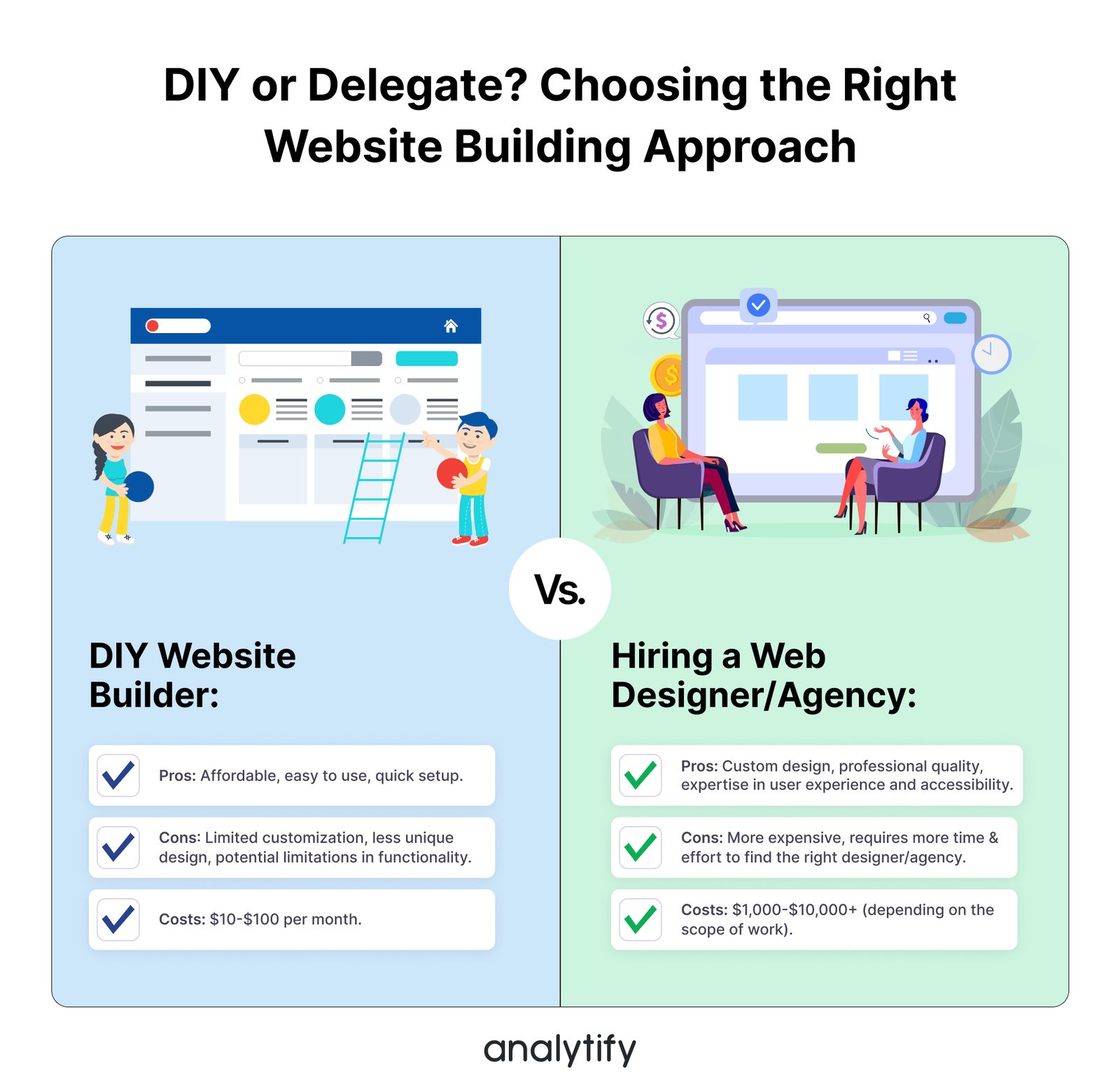
When it comes to building a website, the debate around WordPress web design vs DIY builders has become more relevant than ever. Business owners, freelancers, and startups often wonder: should I hire a professional WordPress web designer or just use a drag-and-drop builder like Wix, Squarespace, or Weebly?
Both options have their advantages and limitations. In this article, we’ll break down the pros and cons of WordPress web design vs DIY builders, compare features, costs, scalability, SEO benefits, and user experience to help you decide which path is right for your business.
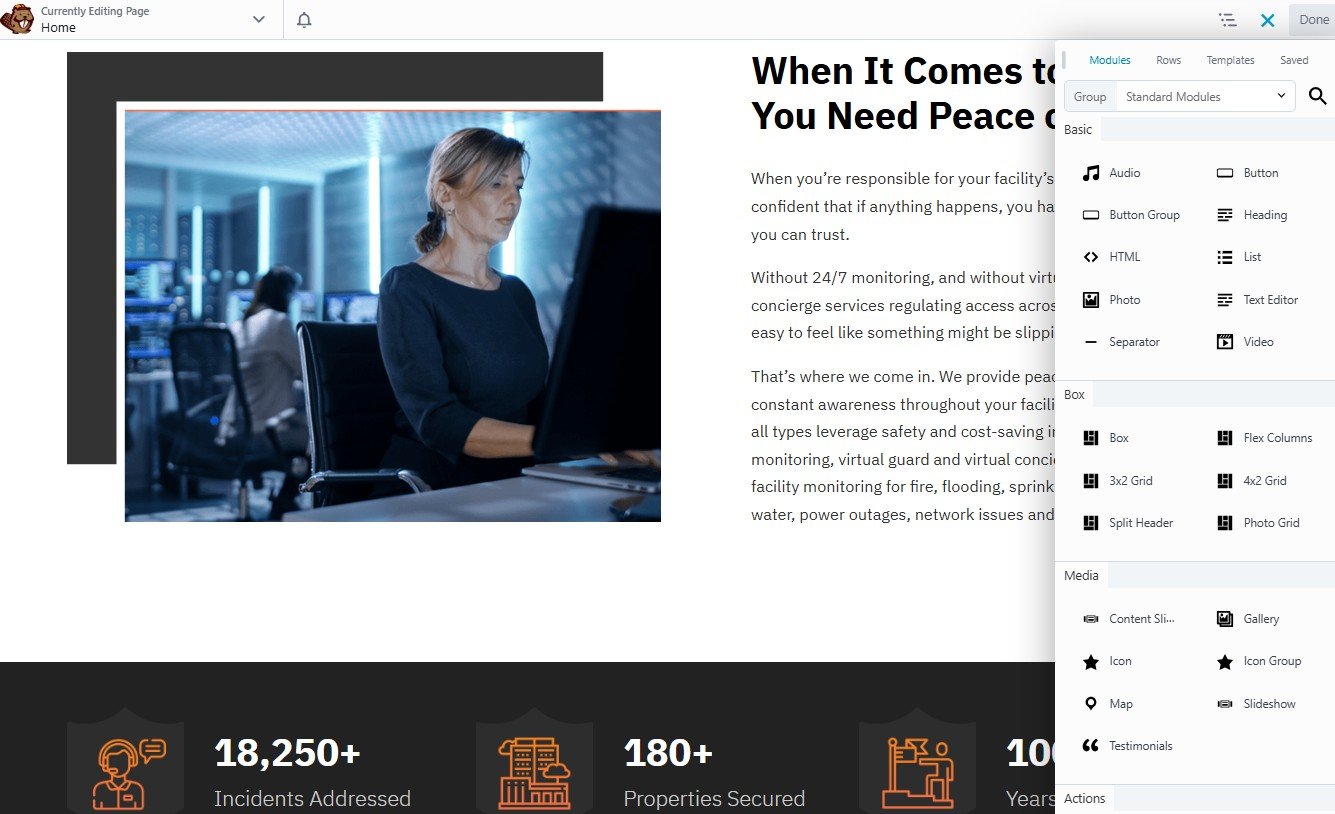
Understanding the Basics of WordPress Web Design vs DIY Builders
What Is WordPress Web Design?
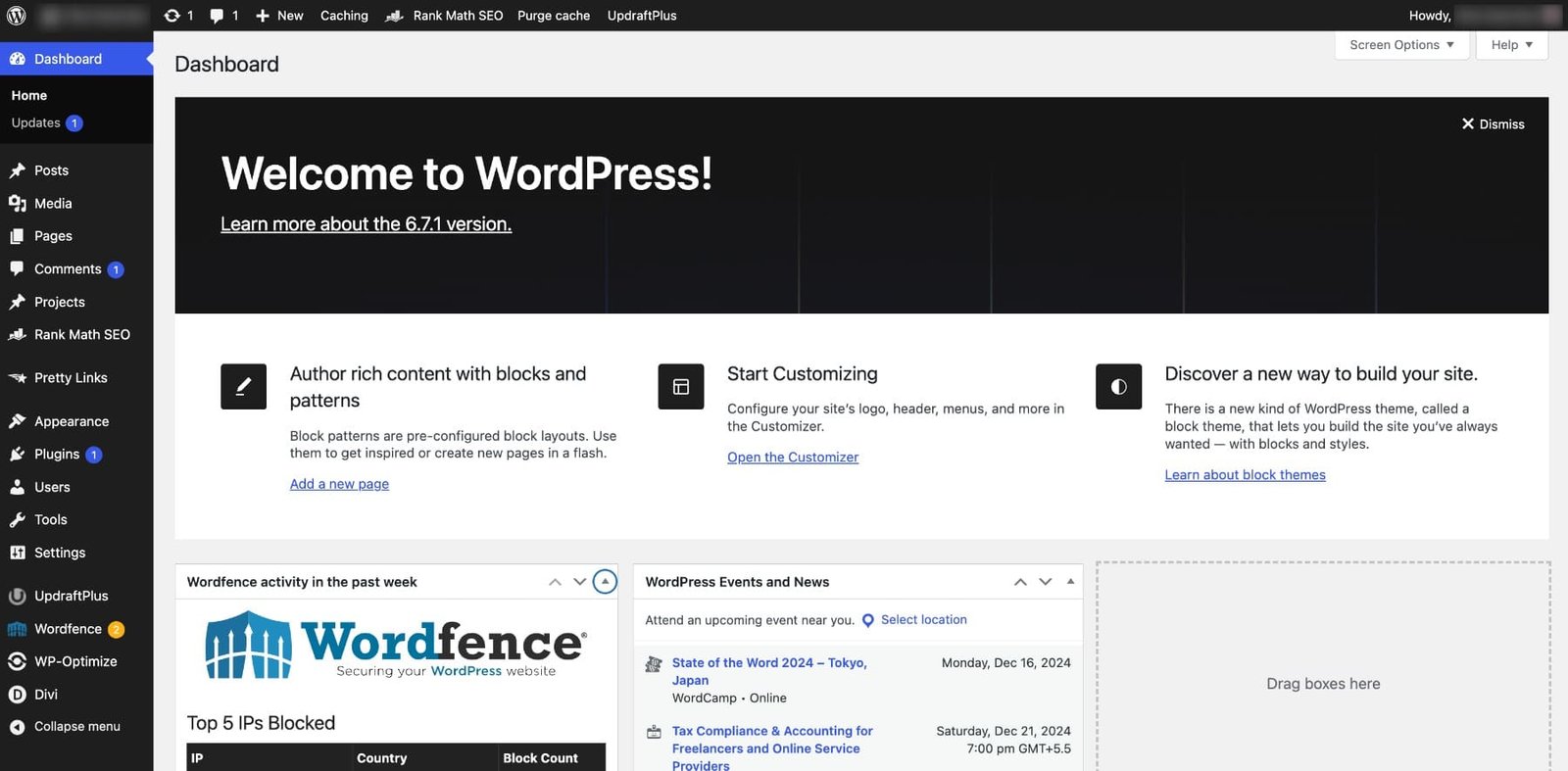
WordPress is the world’s most popular content management system (CMS), powering over 43% of all websites [source]. It provides flexibility, thousands of themes, and endless customization options through plugins and custom coding.
A professional WordPress web design usually involves hiring a designer or developer who creates a custom website tailored to your brand, optimized for SEO, speed, and user experience.
Key benefits of WordPress web design:
Highly customizable
SEO-friendly structure
Scalability for small to enterprise-level businesses
Ownership of your site and content
H3: What Are DIY Website Builders?
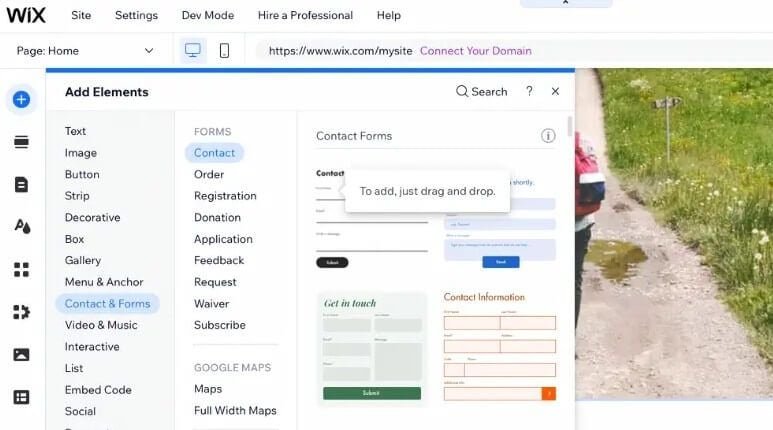
DIY website builders like Wix, Squarespace, or Shopify (for eCommerce) are tools designed for non-technical users. They provide pre-built templates, drag-and-drop editors, and quick setup with minimal learning curve.
Key benefits of DIY builders:
Easy to use without coding knowledge
Quick setup (sometimes under an hour)
Affordable upfront costs
Hosting and security often included
Popular DIY builders:
Shopify (for eCommerce)
WordPress Web Design vs DIY Builders – Key Comparisons
Ease of Use
DIY Builders: Beginner-friendly with drag-and-drop tools. However, customization is limited beyond what templates allow.
WordPress Web Design: More learning curve, but hiring a designer removes complexity and ensures professional setup.
Cost Comparison
DIY Builders:
Monthly subscriptions ($10–$40)
Add-ons or eCommerce plans increase costs
WordPress Web Design:
Hosting ($5–$15/month)
Premium theme or plugins
One-time cost of hiring a designer (varies, but you own the site long-term)
👉 Over 3–5 years, WordPress web design often turns out more cost-effective than DIY.
SEO Performance
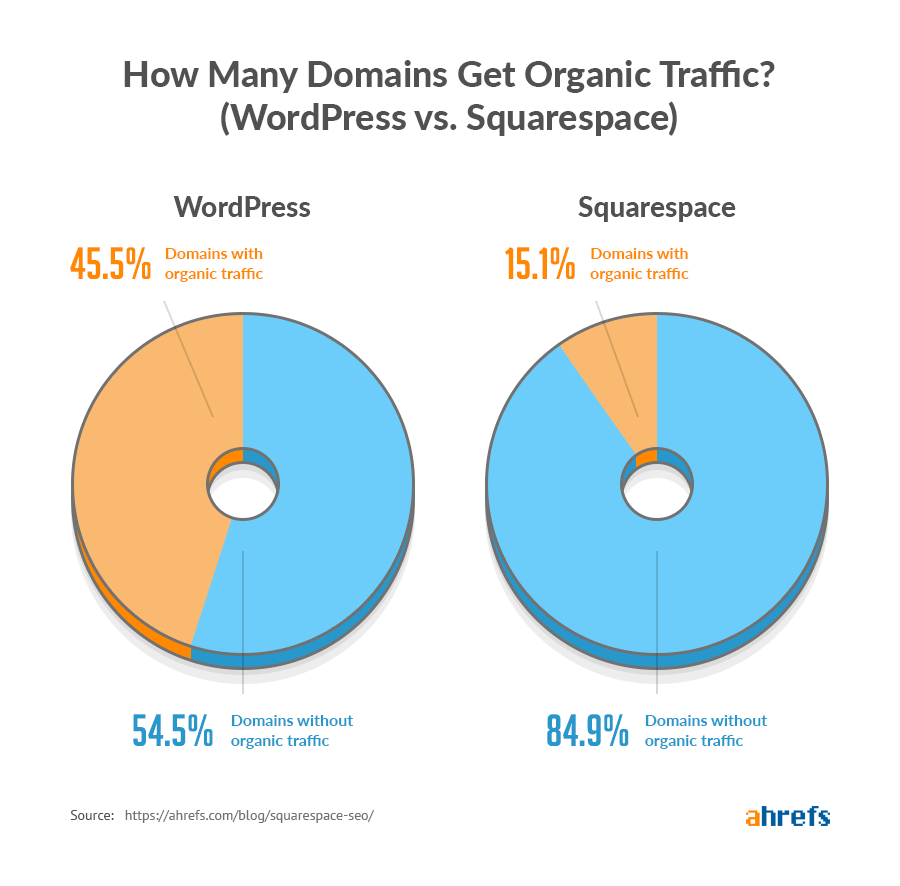
When it comes to WordPress web design vs DIY builders, SEO is a major deciding factor.
DIY Builders: Basic SEO tools (meta tags, descriptions). Limited flexibility for advanced optimization.
WordPress Web Design: Robust SEO plugins like Yoast SEO and Rank Math, technical SEO control, and faster-loading themes.
Verdict: WordPress is better for businesses serious about ranking on Google.
Customization and Flexibility
DIY Builders: Limited templates. Great for simple portfolios or blogs.
WordPress: Endless customization—custom themes, plugins, and integrations.
Ownership and Control
DIY Builders: You’re locked into their platform. Migrating can be difficult.
WordPress: Full control and ownership of your website, files, and data.
WordPress Web Design vs DIY Builders for Businesses
Small Businesses and Startups
DIY builders may seem attractive for startups with tight budgets. However, as soon as you need scaling, SEO, or advanced features, limitations become clear.
Pro tip: If your goal is long-term growth, invest in WordPress web design early.
E-commerce Websites
DIY (Shopify, Wix eCommerce): Great for small product catalogs.
WordPress (WooCommerce): More scalable, flexible, and cost-effective for larger stores.
👉 Shopify charges transaction fees, while WooCommerce gives you control over payment gateways.
Personal Brands and Portfolios
For a personal blog or portfolio, DIY builders can work. But if you want to monetize or scale your content, WordPress is the better choice.
Case Studies – Real-World WordPress Web Design vs DIY Builders
Example 1 – Local Business Growth
A small restaurant launched a site on Wix but struggled with SEO. After migrating to WordPress with a custom design, traffic increased 70% in six months.
Example 2 – E-commerce Expansion
An online clothing store outgrew Shopify’s costs and migrated to WooCommerce on WordPress. They reduced expenses and gained full control of branding and SEO.
Pros and Cons at a Glance
| Feature | WordPress Web Design | DIY Builders |
|---|---|---|
| Ease of Use | Steeper learning curve (designer recommended) | Beginner-friendly |
| Cost | Higher upfront, lower long-term | Lower upfront, higher long-term |
| SEO | Advanced tools & flexibility | Limited |
| Scalability | Unlimited | Restricted |
| Ownership | 100% control | Platform dependent |
Image Suggestions
Comparison graphic
Title: WordPress Web Design vs DIY Builders – At a Glance
Alt: Side-by-side comparison of WordPress vs DIY website builders
Placement: Just before “Pros and Cons at a Glance”
SEO performance chart
Title: WordPress vs DIY Builders SEO Capabilities
Alt: Chart showing SEO tools available on WordPress vs Wix/Squarespace
Placement: Under “SEO Performance”
Case study screenshot
Title: Real-world example of website redesign from DIY to WordPress
Alt: Website traffic increase after migration from Wix to WordPress
Placement: In “Case Studies” section
Conclusion – Which One Should You Choose?
When comparing WordPress web design vs DIY builders, the decision depends on your goals.
If you need a quick, simple site → DIY builders may be enough.
If you want a scalable, SEO-optimized, and professional business website → WordPress web design is the smarter investment.
👉 In the long run, hiring a WordPress web designer ensures your website not only looks professional but also brings measurable results—traffic, leads, and sales.

Next Step: If you’re serious about growing your business with a professional website, check out WordPress.org’s official guide and consider reaching out to a WordPress web design specialist to build a site tailored to your goals.
Table of Contents
Toggle
