



How to Choose the Right WordPress Web Designer for Your Business
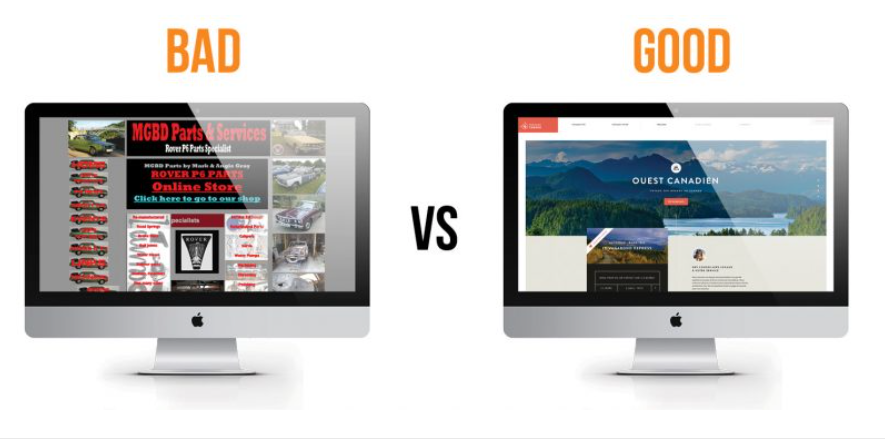
Your website is your business’s digital storefront — often the very first interaction a potential customer has with your brand. A polished, professional, and easy-to-navigate site can build trust instantly. But a slow, clunky, or outdated website? It sends visitors running to your competitors.
With millions of WordPress designers, agencies, and freelancers out there, finding the right one can feel overwhelming. Pick the wrong designer, and you could end up with an expensive site that’s hard to update, slow to load, or poorly optimized for search engines.
This guide will walk you step by step through how to find, vet, and hire the right WordPress web designer for your business — someone who will help you turn your site into a powerful sales and marketing machine.
Why Your Business Needs a Professional WordPress Web Designer
WordPress powers more than 40% of all websites online — from small business sites to major brands. It’s powerful, flexible, and endlessly customizable. But that flexibility can also be overwhelming if you’re not a developer or designer.
Here’s why hiring a professional WordPress designer is often the smarter move:
Customization: A pro can create a custom theme that reflects your brand identity, rather than relying on cookie-cutter templates.
Speed Optimization: A properly built WordPress site loads fast — reducing bounce rates and boosting conversions.
Security: Professionals harden your site against hacks and malware, something DIY users often overlook.
SEO-Readiness: A well-structured WordPress site helps search engines crawl and index your pages easily, giving you a ranking advantage.
Scalability: As your business grows, a designer can ensure your site grows with you — without breaking.
The Pitfalls of DIY Websites
Many business owners start out by DIY-ing their site. While that’s fine in the beginning, DIY websites often suffer from:
Bloated, slow themes that hurt SEO
Inconsistent branding and design
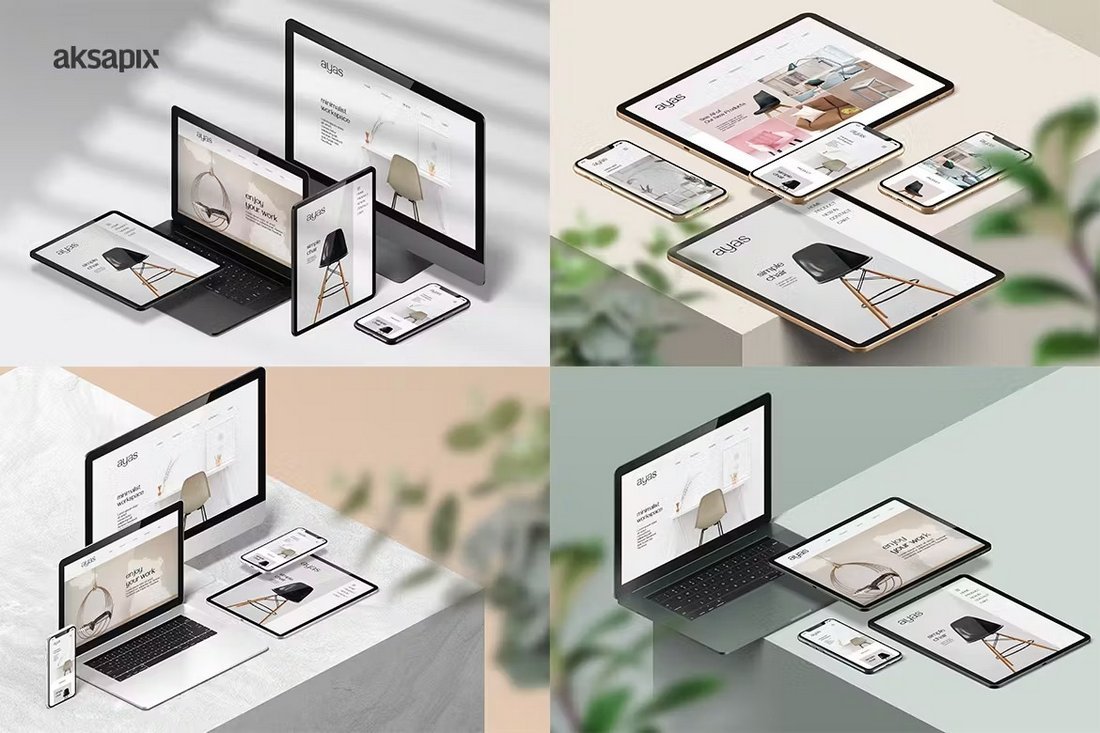
Lack of mobile optimization
Security vulnerabilities
Difficulty adding advanced features
Signs You’re Ready to Hire a WordPress Web Designer
How do you know it’s time to bring in a professional?
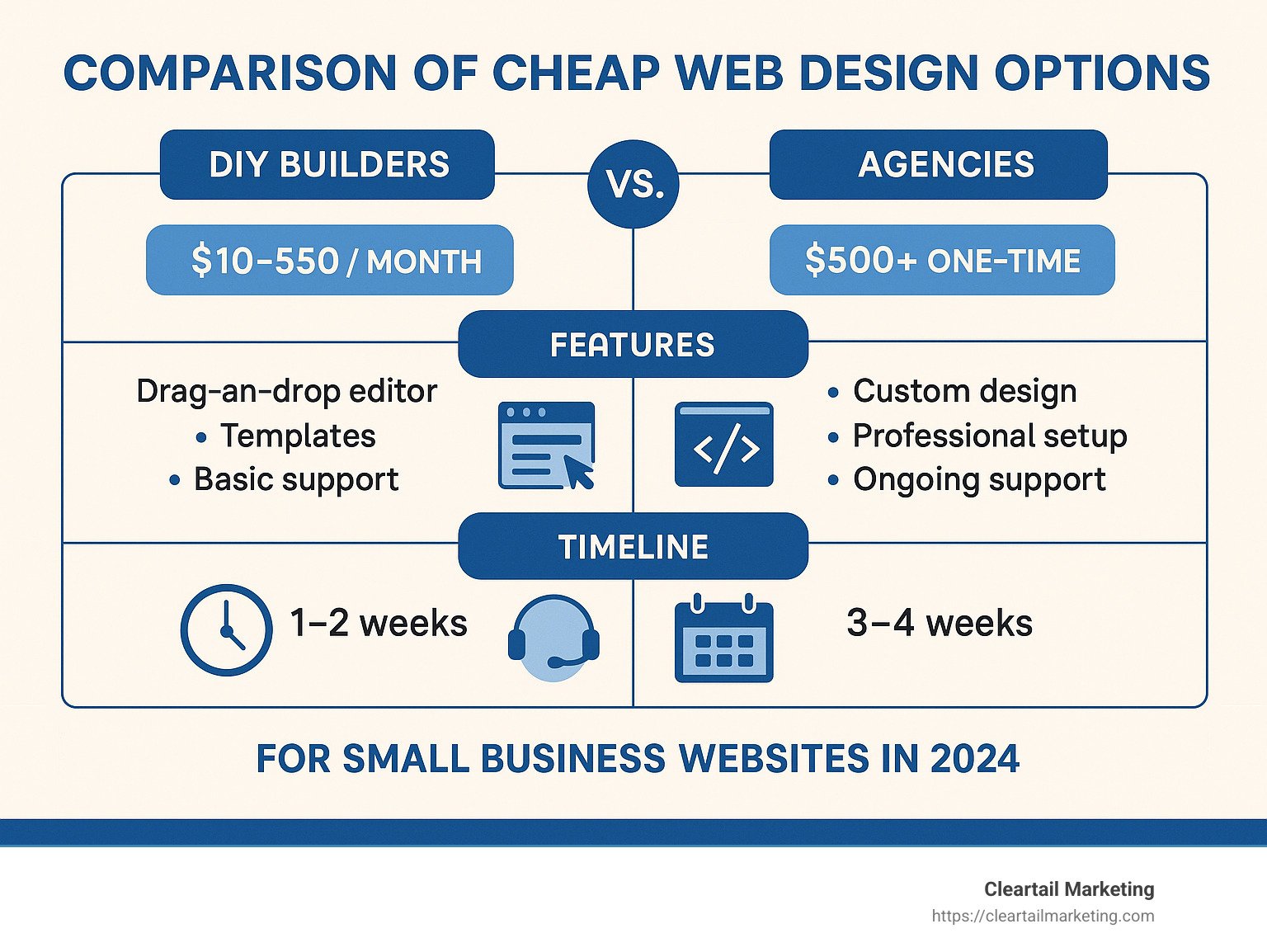
You’ve outgrown DIY tools like Wix or basic WordPress templates.
You’re planning a rebrand or launching new services/products.
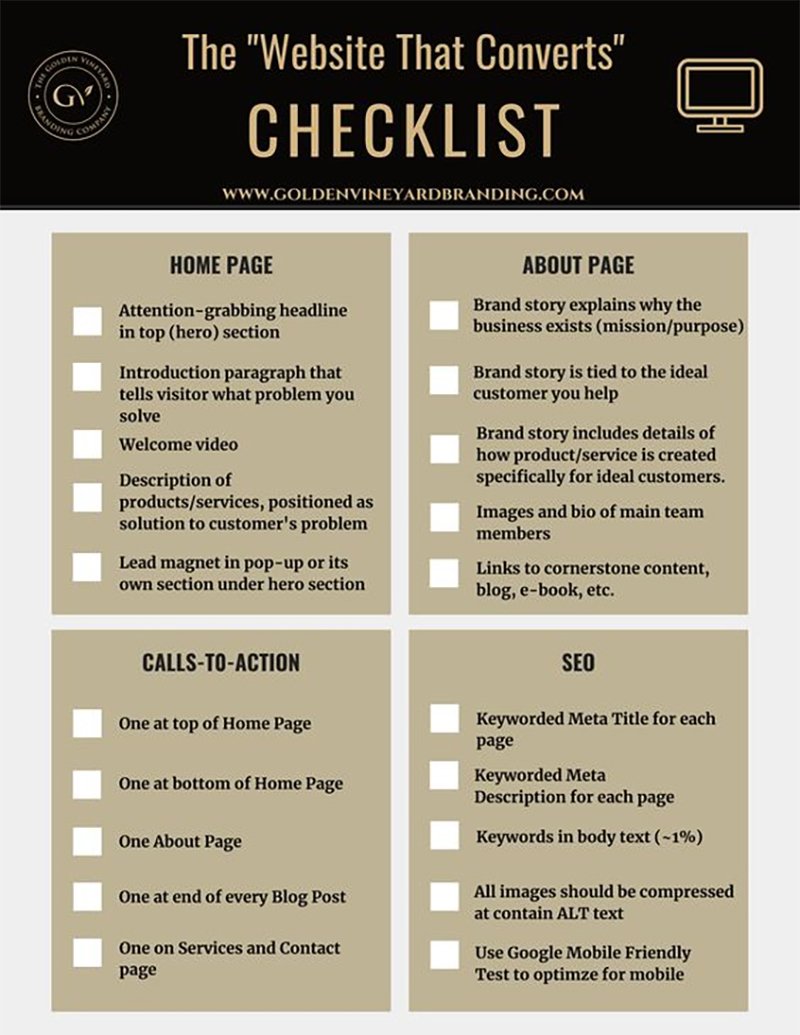
Your site isn’t converting — traffic is coming in, but sales or leads aren’t.
Your website is slow, broken, or hard to update.
💡 Quick Tip: If you’re Googling “how to fix my WordPress site” every week, it’s time to hire a pro.
Key Factors to Consider When Choosing a WordPress Web Designer
Choosing the right designer is about more than finding someone who can make your site look pretty. You want a strategic partner who understands your business goals. Here’s what to look for:
1. Experience & Portfolio
Review their past work — do the websites look professional, functional, and user-friendly?
Look for experience in your industry or niche (eCommerce, coaches, local service businesses, etc.).
Ask for case studies showing results (conversion increases, traffic growth).
2. Technical Skills
Are they comfortable with WordPress builders like Elementor, Gutenberg, Divi?
Do they know how to work with WooCommerce if you sell products online?
Can they add custom features beyond what a plugin offers?
3. SEO Knowledge
Not every designer understands search engine optimization — and that’s a problem.
Ask if they optimize for Core Web Vitals (site speed, mobile friendliness).
Do they set up basic on-page SEO (meta titles, alt tags, URL structure)?
4. Design Process
A good designer has a clear process:
Discovery: Understands your business and audience
Design: Wireframes, mockups, and revisions
Development: Builds the site using clean code
Launch: Testing and go-live checklist
5. Communication & Responsiveness
The best designers are proactive communicators:
Provide timelines and status updates
Respond promptly to emails and questions
Use project management tools to keep things on track
6. Pricing & Contracts
Understand how they charge:
Hourly: Good for small tasks, but costs can add up
Fixed Price: Ideal for full projects with a clear scope
Value-Based: Pricing tied to the results they deliver
🚩 Red Flag: Designers who won’t provide a contract or detailed proposal.
Questions to Ask Before Hiring a WordPress Web Designer
Here are key questions to ask before signing a contract:
🖼 Portfolio: “Can I see websites you’ve designed in my industry?”
🔧 Tech Skills: “Which builders or frameworks do you use?”
📱 Mobile: “How do you ensure my site is fully responsive?”
🔑 Ownership: “Will I be able to update my content easily after launch?”
🔄 Support: “Do you offer post-launch maintenance or training?”
Mistakes to Avoid When Hiring a WordPress Web Designer
Avoid these common pitfalls:
Choosing the cheapest option: You often get what you pay for.
Focusing only on design: A pretty site that doesn’t convert is useless.
Ignoring mobile/SEO: More than half of traffic is mobile.
Not clarifying support: Who fixes bugs after launch?
❌ Callout Box: Don’t make the $500 mistake — cheap designers often leave you with bloated, uneditable templates.
Red Flags to Watch Out For
No contract or written proposal
Can’t explain their process clearly
Pushy upselling on unnecessary features
Lack of testimonials, reviews, or portfolio
Where to Find a Good WordPress Web Designer
You can find talented designers in many places:
Freelance Platforms: Upwork, Fiverr Pro — vet carefully for quality.
Agencies: Good for businesses that need ongoing support and strategy.
Referrals: Ask colleagues or business groups.
LinkedIn, Dribbble, Behance: Browse portfolios and connect directly.
Directories: Clutch, DesignRush — great for agency listings and reviews.
🧠 Pro Tip: Look for designers who publish blog posts, case studies, or have Google reviews — they invest in their own online presence.
Why Work With Me
I help businesses build SEO-optimized, high-converting WordPress websites that look great, load fast, and deliver results.
✅ 100% custom design tailored to your brand
✅ On-page SEO setup included
✅ Post-launch support and training provided
💬 Testimonial:
“Working with Mouataz was a game changer — our site traffic doubled in 3 months, and inquiries increased by 40%!”
👉 Book a free discovery call today to discuss your project.
Conclusion
Choosing the right WordPress web designer is an investment in your business’s future. The right partner will not just make your site look good — they’ll make it perform, convert, and scale with your growth.
👉 Ready to take the next step? Book your free consultation today and start building the website your business deserves.
Table of Contents
Toggle

